PrintAdjust
PRINTADJUST

画像を PDF にして
印刷の余白を調整

プリント調整(PrintAdjust)は、写真や書類の画像を好きな大きさ・位置に配置し、印刷や共有用の PDF にする iPhone / iPad アプリです。1 ページに複数画像を並べたり、横3×縦4に繰り返したりできます。上下左右の余白は 0〜30 mm で調整でき、iPhone Duo の開いた画面・閉じた画面にも対応しています。

iOS 27 以降 · iPhone / iPad / iPhone Duo 無料 · 広告なし · アプリ内課金なし データを収集しません

1.2.0公開中 · 2026年10月13日更新

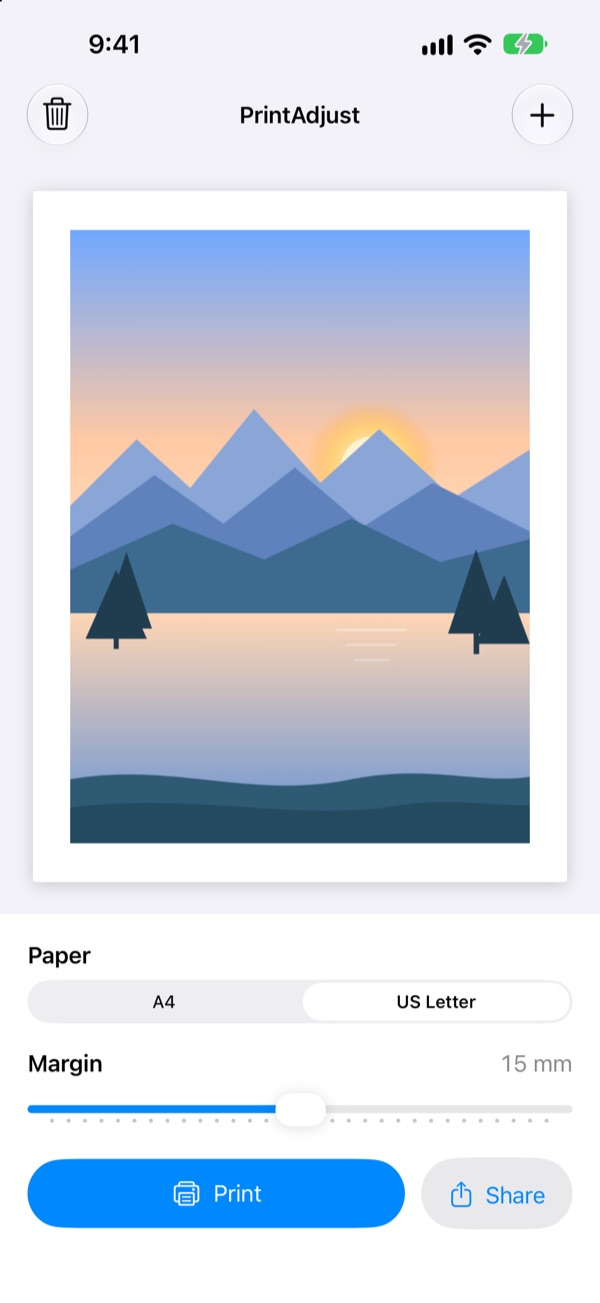
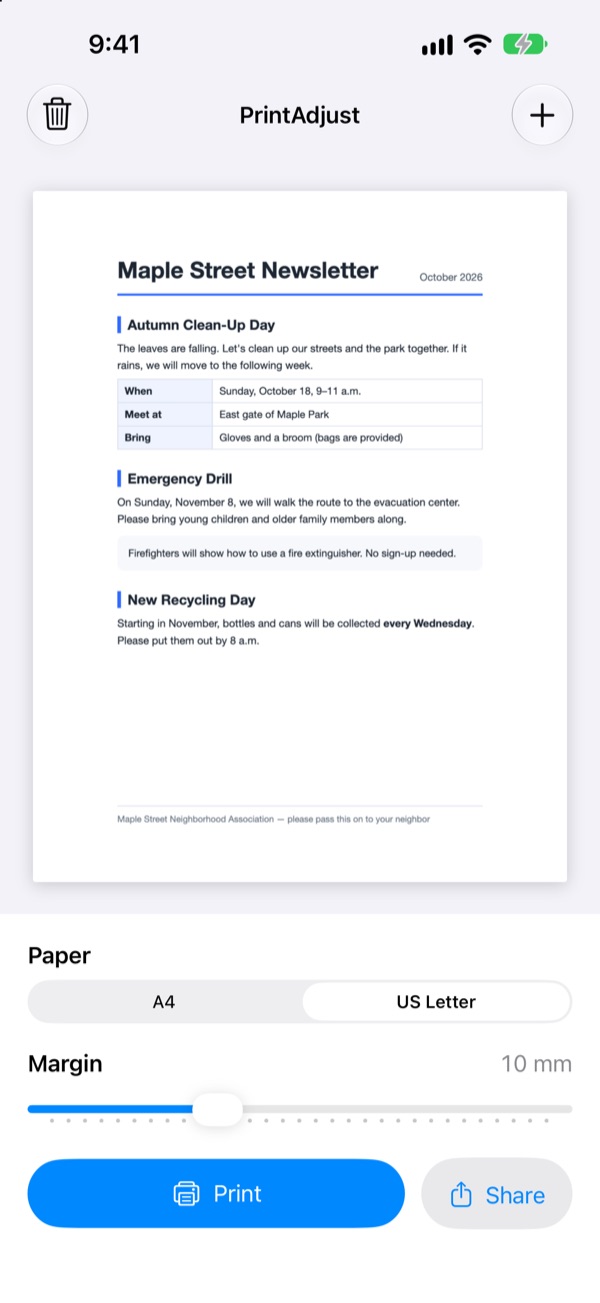
PrintAdjust の iPhone の画面。上に余白 15 mm の用紙のプレビュー、下に用紙と余白の設定、プリントと共有のボタンが並ぶ。

できること

画像を PDF に

  • 写真ライブラリか「ファイル」から画像を選ぶと、1 枚 1 ページの PDF になります
  • 複数の画像は、選んだ順にページが並びます
  • JPEG・HEIC・PNG などに対応。写真の向きは自動で補正します

余白を 0〜30 mm で調整

  • 上下左右の余白を、1 mm ずつ変えられます
  • 中央や四隅など9方向の配置を選べます。縦横比は保たれます
  • スライダーを動かすと、プレビューがすぐに変わります

A4・B5・A3・US Letter

  • はじめは地域に合った用紙が選ばれます
  • 横長の画像は、自動で横向きのページになります。編集画面で向きを切り替えられます

大きさと位置を自由に

  • ページをタップして、画像をドラッグで移動できます
  • ピンチや角のハンドルで拡大縮小し、同じページに別の画像を追加できます
  • 編集は取り消し・やり直しに対応しています

繰り返しとキャンバス

  • 横3×縦4など、画像を指定した数と間隔で並べられます
  • 複数画像をキャンバスにまとめて、全体を移動・拡大縮小・複製できます

プリントと共有

  • 「プリント」から、AirPrint に対応したプリンターで印刷できます
  • 「共有」から、PDF を「ファイル」・メール・AirDrop などへ渡せます

画面

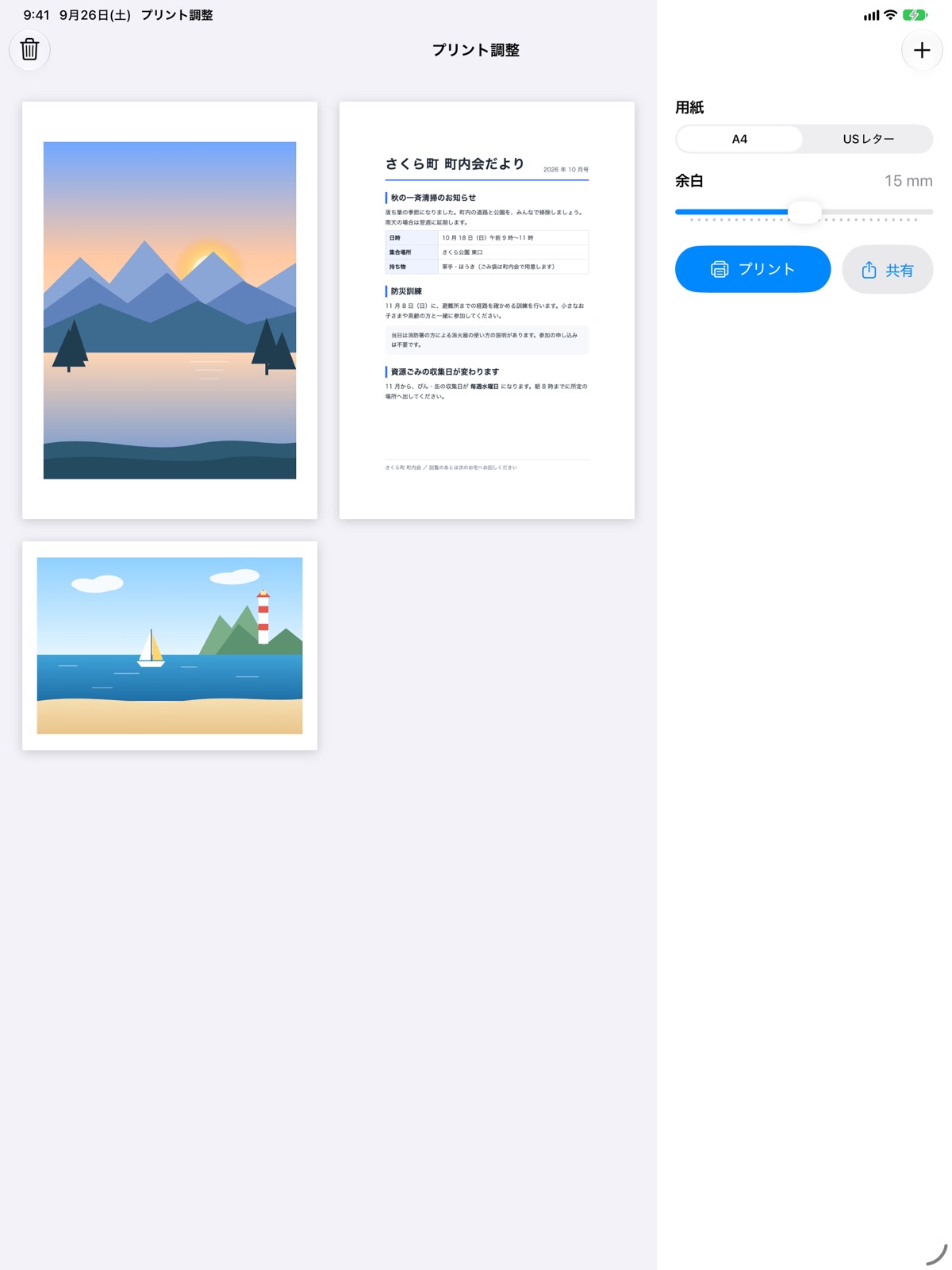
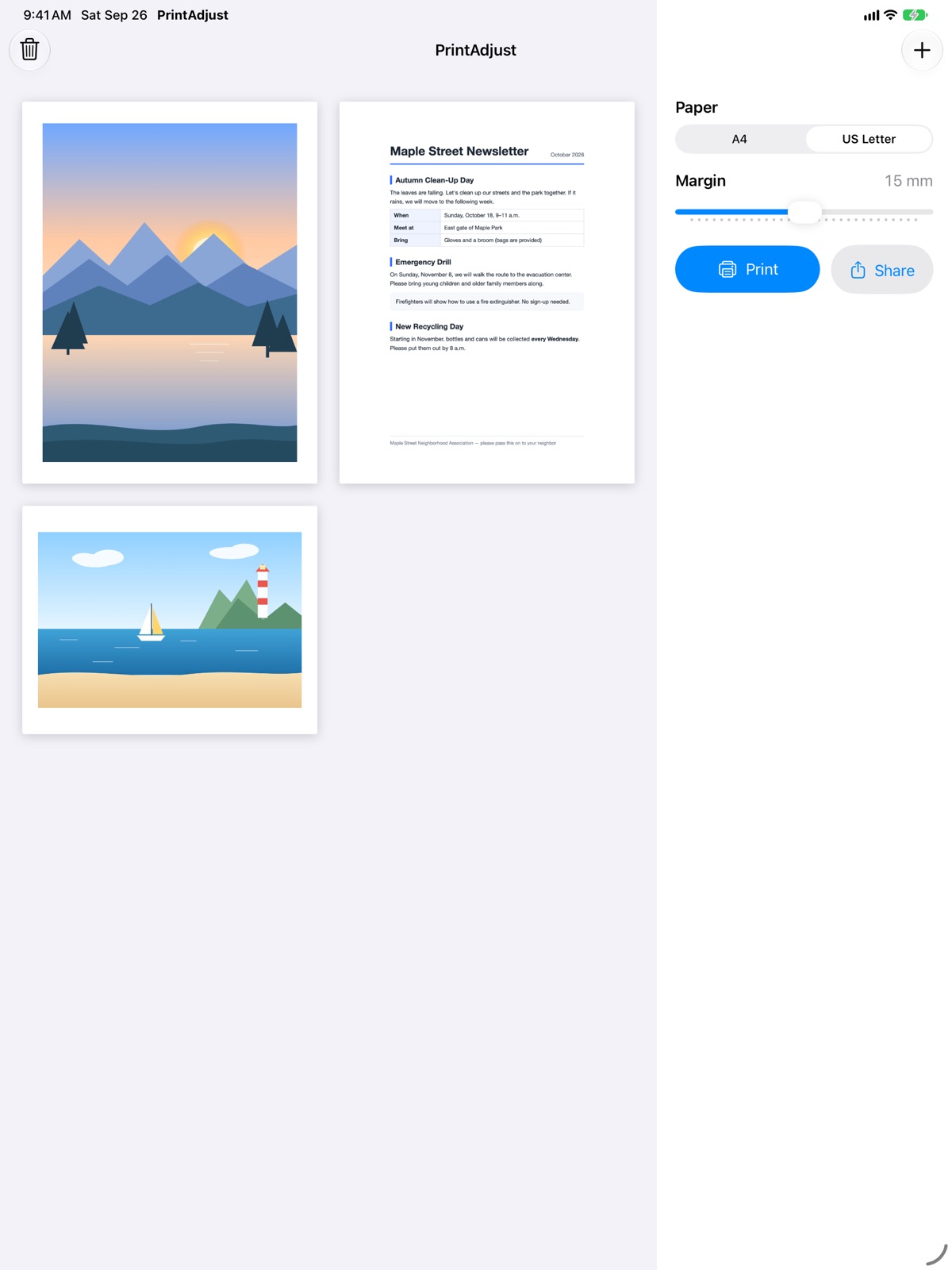
画面が狭い iPhone ではプレビューと設定を上下に、広い iPad では左右に並べます。iPhone Duo では、閉じると上下に、開くと左右に並びます。
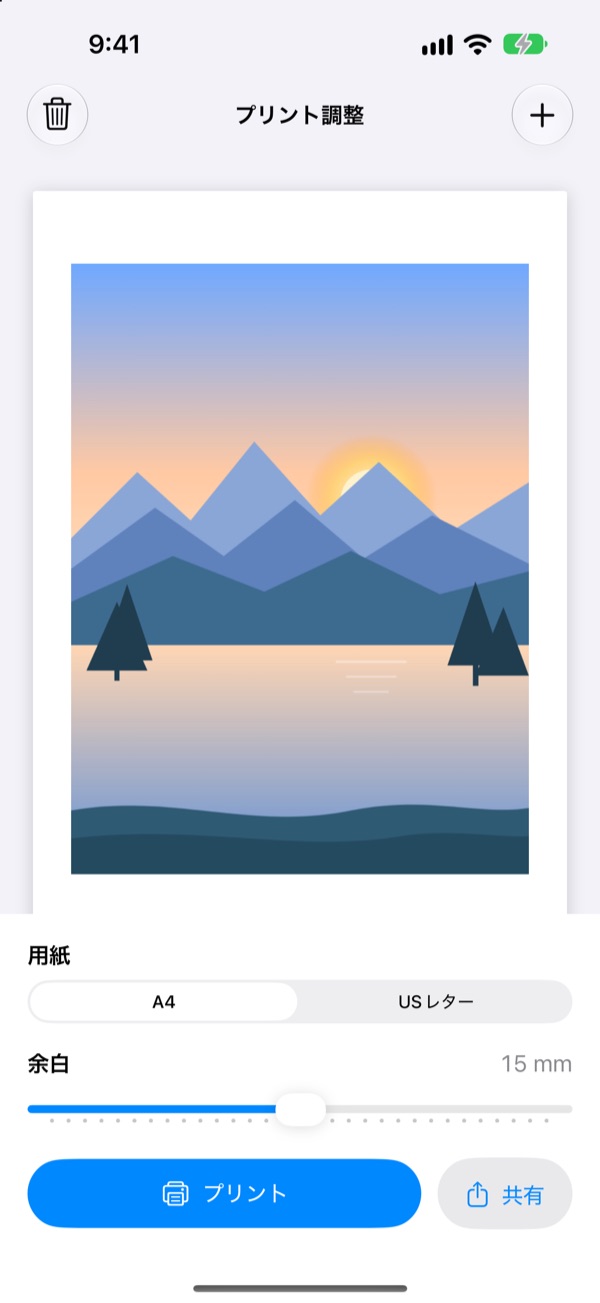
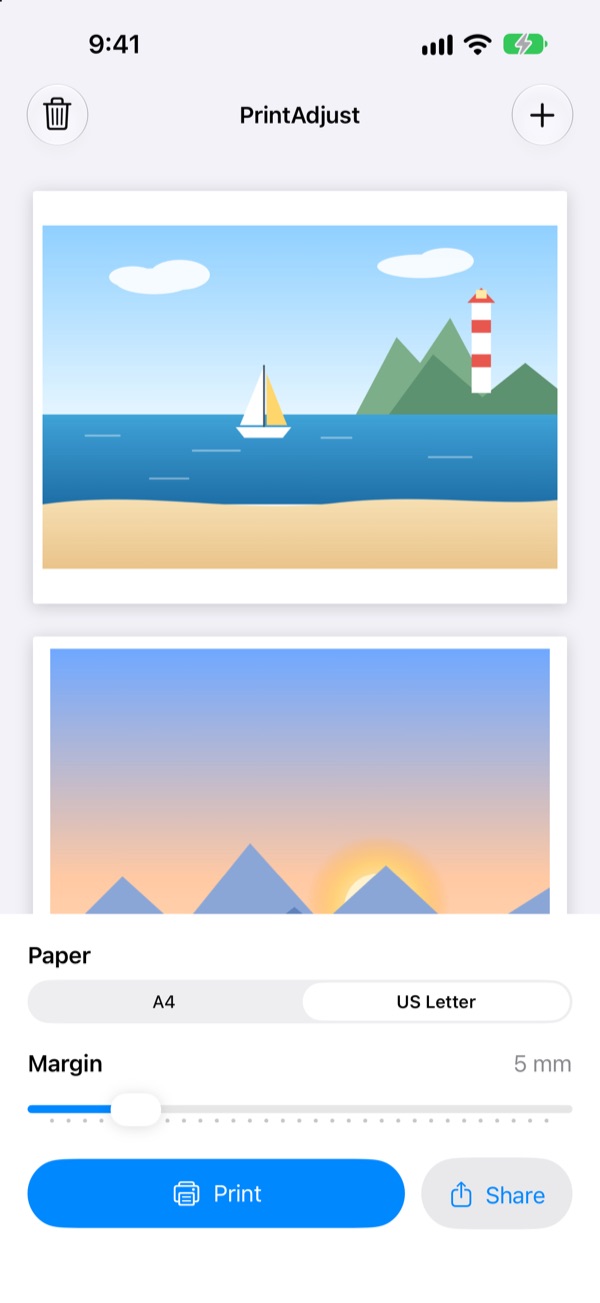
余白 15 mm で写真を置いた用紙のプレビュー
余白 15 mm の写真
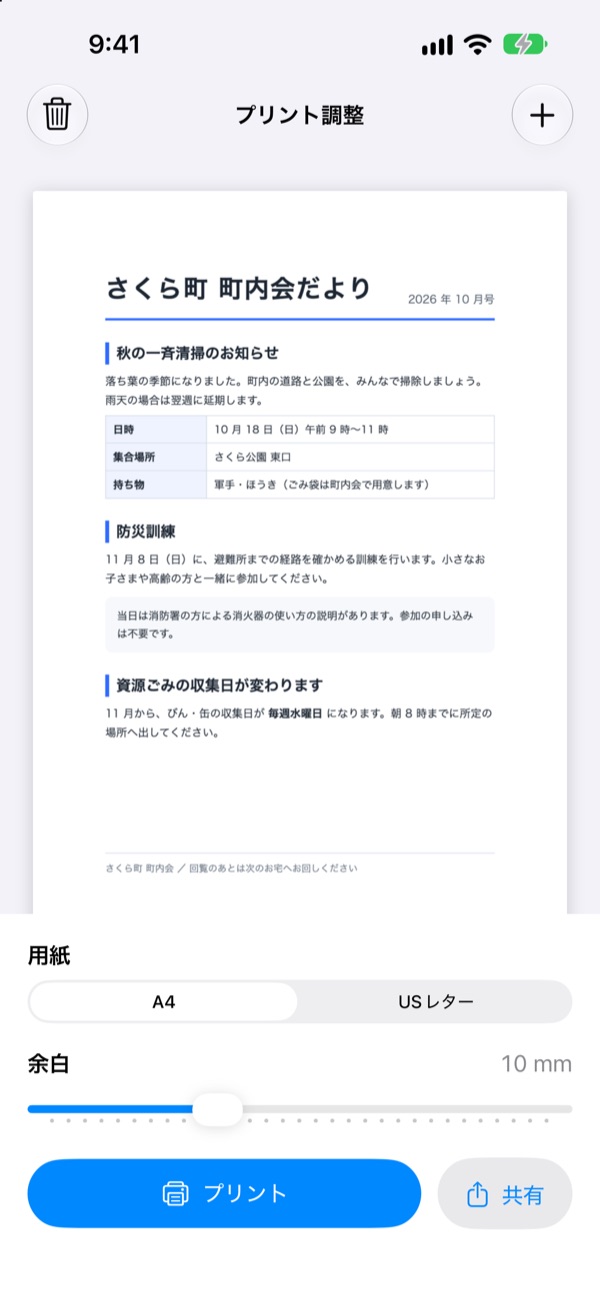
町内会だよりの画像を置いた用紙のプレビュー
書類の画像
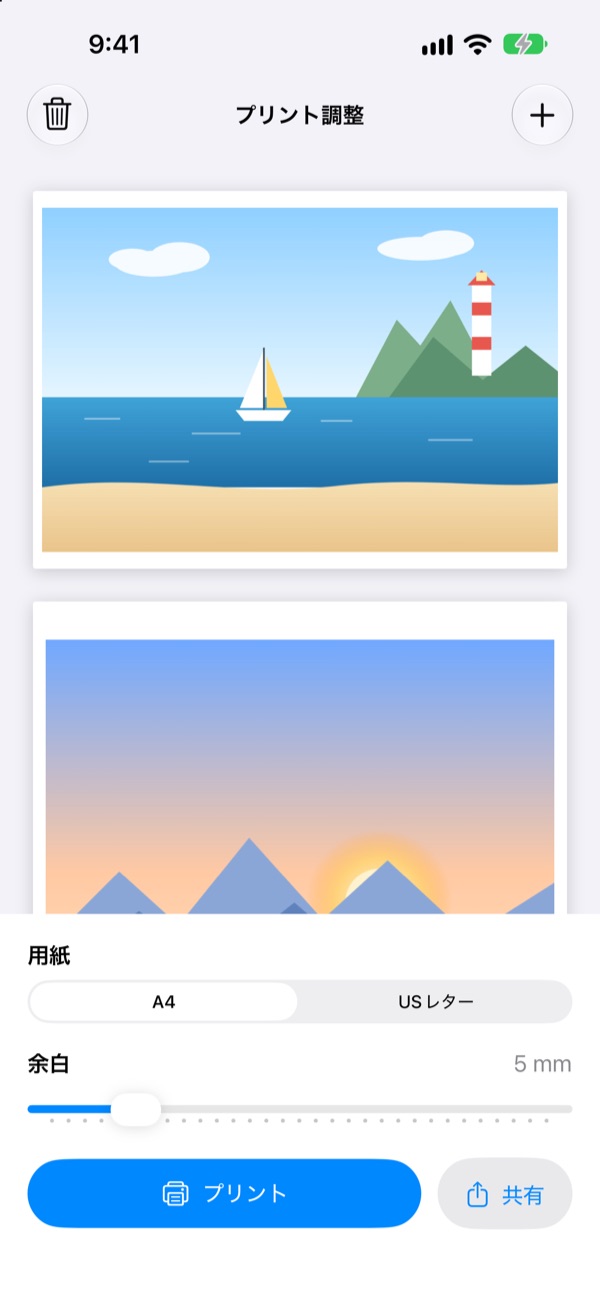
横長の写真を横向きの用紙に置いたプレビュー
横長の画像は横向きのページに
iPad の画面。左に用紙のプレビュー、右に用紙と余白の設定が並ぶ
iPad では左右に並びます

データの扱い

  • 選んだ画像は PDF を作るためだけに使い、アプリの中には保存しません
  • 写真ライブラリ全体へのアクセスは求めません。選んだ画像だけを受け取ります
  • アカウントの登録は不要です。アプリは通信をせず、データを収集しません

動作環境

OSiOS 27 / iPadOS 27 以降
DevicesiPhone・iPad・iPhone Duo
Languages日本語・英語
Price無料広告・アプリ内課金はありません

サポートとプライバシー

PRINTADJUST

Turn images into a PDF
and adjust the print margins

PrintAdjust lets you resize and arrange photos and scanned images on a page, then print or share a PDF. Add several images to one page or repeat an image in a grid, such as 3 columns by 4 rows. Set margins from 0 to 30 mm. For iPhone and iPad, including the open and closed displays of iPhone Duo.

iOS 27 or later · iPhone / iPad / iPhone Duo Free · No ads · No in-app purchases No data collected

Version 1.2.0 available · Updated October 13, 2026

PrintAdjust on iPhone: a page preview with 15 mm margins on top, and the paper and margin settings with Print and Share buttons below.

What it does

Images to PDF

  • Pick images from your photo library or Files. Each image becomes one page.
  • Pages follow the order in which you picked the images.
  • Works with JPEG, HEIC, PNG and more. Photo orientation is corrected automatically.

Margins from 0 to 30 mm

  • Set the margin on all four sides in 1 mm steps.
  • Choose from nine image positions, including the center and corners. The aspect ratio is preserved.
  • The preview updates as you move the slider.

A4, B5, A3, and US Letter

  • The default paper follows your region.
  • Landscape images get landscape pages automatically. Switch orientation in the page editor.

Resize and place images

  • Tap a page and drag images to move them.
  • Resize with a pinch or corner handle, and add more images to the same page.
  • Undo and redo edits.

Repeat and group into a canvas

  • Repeat an image in a grid, such as 3 columns by 4 rows, with adjustable spacing.
  • Group images into a canvas to move, resize, or duplicate them together.

Print and share

  • Print to any AirPrint printer.
  • Share the PDF to Files, Mail, AirDrop and more.

Screens

On a narrow iPhone screen the preview and settings stack; on a wide iPad screen they sit side by side. On iPhone Duo they stack when folded and sit side by side when unfolded.

A photo placed on a page with 15 mm margins
A photo with 15 mm margins
A newsletter image placed on a page
A scanned document
A landscape photo on a landscape page
Landscape images get landscape pages
PrintAdjust on iPad: the page preview on the left and the settings on the right
Side by side on iPad

Your data

  • The images you pick are used only to make the PDF and are not stored in the app.
  • The app does not ask for access to your whole photo library. It receives only the images you pick.
  • No account needed. The app does not use the network and does not collect data.

Requirements

OSiOS 27 / iPadOS 27 or later
DevicesiPhone, iPad and iPhone Duo
LanguagesEnglish and Japanese
PriceFreeNo ads or in-app purchases

Support and privacy