Flash Books
FLASH BOOKS

手元の文書を
1 つの本棚で読む

Flash Books は、HTML・PDF・ePub・Markdown、Word・Excel・PowerPoint の文書、画像などを 1 つの本棚にまとめて、見開きのページで紙の本のように読むための iPhone / iPad / Mac アプリです。HTML の文書も、ページをめくる本として読めます。本棚と読む位置は、自分の iCloud で同期できます。

iOS 26 · macOS 26 以降 · iPhone(Duo を含む)/ iPad / Mac 無料 · 広告なし · アプリ内課金なし データを収集しません
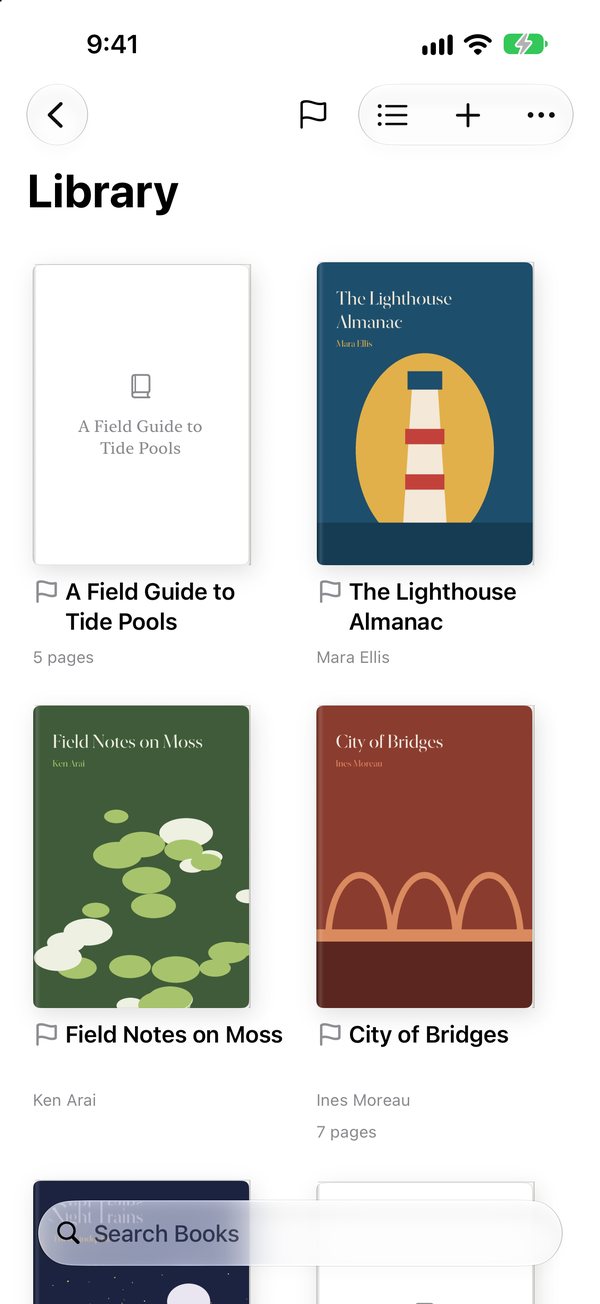
Flash Books の iPhone の画面。ライブラリに本の表紙が 2 列に並ぶ。

できること

1 つの本棚に

  • HTML・PDF・ePub・Markdown・テキスト・RTF・CBZ に加え、Word・Excel・PowerPoint、Pages・Numbers・Keynote、画像、Web アーカイブも読めます。HTML も本のようにページで読めます
  • 表紙を並べる表示と、題名と著者のリスト表示を切り替えられます。表紙にはページ数に応じた本の厚みが付きます
  • コレクション・スタック・アーカイブ・色付きのタグ・フラグで整理できます。1 冊を複数のコレクションに入れられます

紙の本のように読む

  • 見開きと単ページ、左開き・右開き・縦開きに対応しています。紙面の横に、読んだページと残りのページの厚みを表示します
  • ページカール・スライド・重ねてスライド・クロスフェードでめくれます。キーボードやゲームコントローラーでも移動できます
  • ePub や HTML などは、書体と文字の大きさを変えられます。PDF などもスクロール表示にできます
  • iPhone・iPad・Macで配信中の1.2では、Wordをページ表示と連続スクロールで切り替えられます。PowerPointの図形・線・グラデーション・影・文字配置の描画も改善しました。
  • 文字を選んでコピーできます。対応する端末では、画像のページの文字も認識して選べます

すぐに目的のページへ

  • 目次・ページのサムネイル・しおりから移動できます
  • 下部のプレビューをなぞると、本全体から目的のページへ移動できます

iCloud で同期

  • 本・表紙・コレクション・タグ・しおり・読む位置を、自分の iCloud で iPhone・iPad・Mac に同期します(設定でオンにしたときだけ)
  • ほかの端末から届いた本は、表紙を見て選び、開いたときにダウンロードします。モバイル回線では大きな原本の前に確認します
  • 原本を iCloud に残したまま、端末のダウンロードだけを削除できます

画面

横向きの画面では見開きで、縦向きでは 1 ページずつ表示します。iPhone Duo では、閉じた画面でも開いた大きな画面でも、画面いっぱいに読めます。
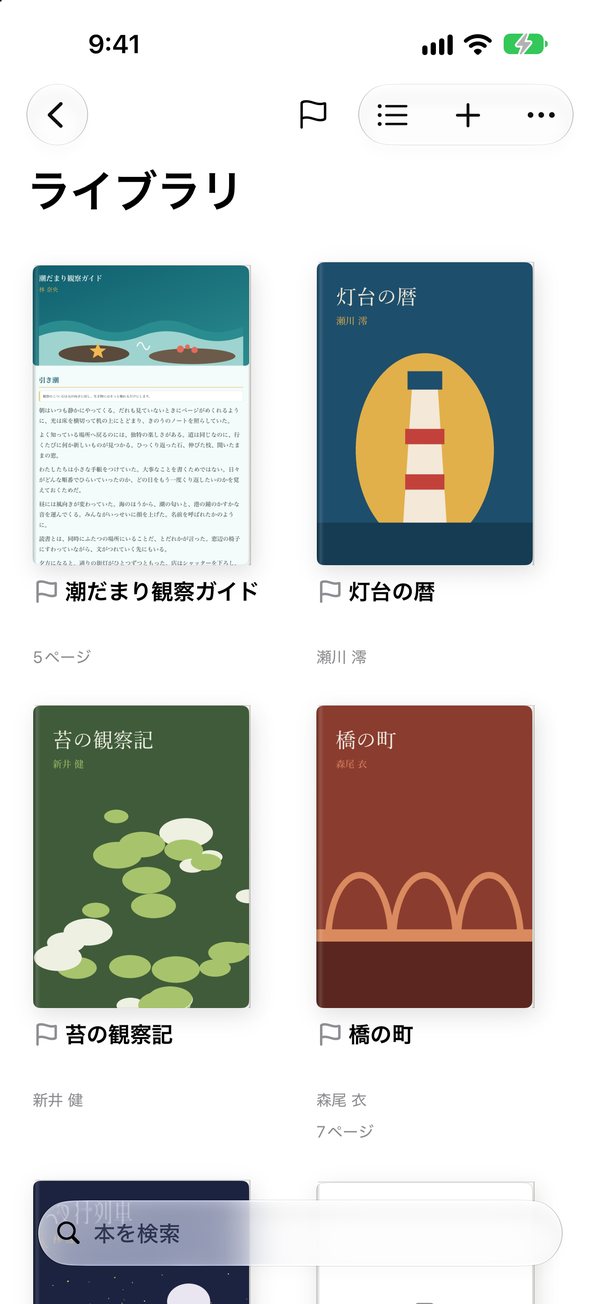
ライブラリに本の表紙が並ぶ画面
ライブラリ
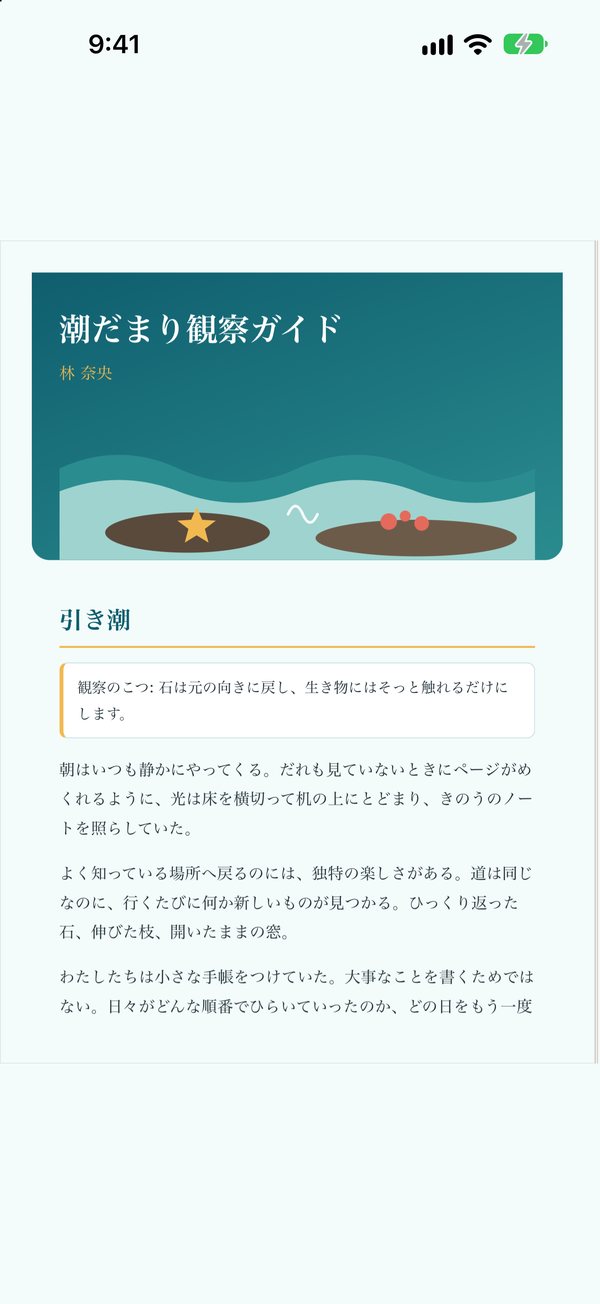
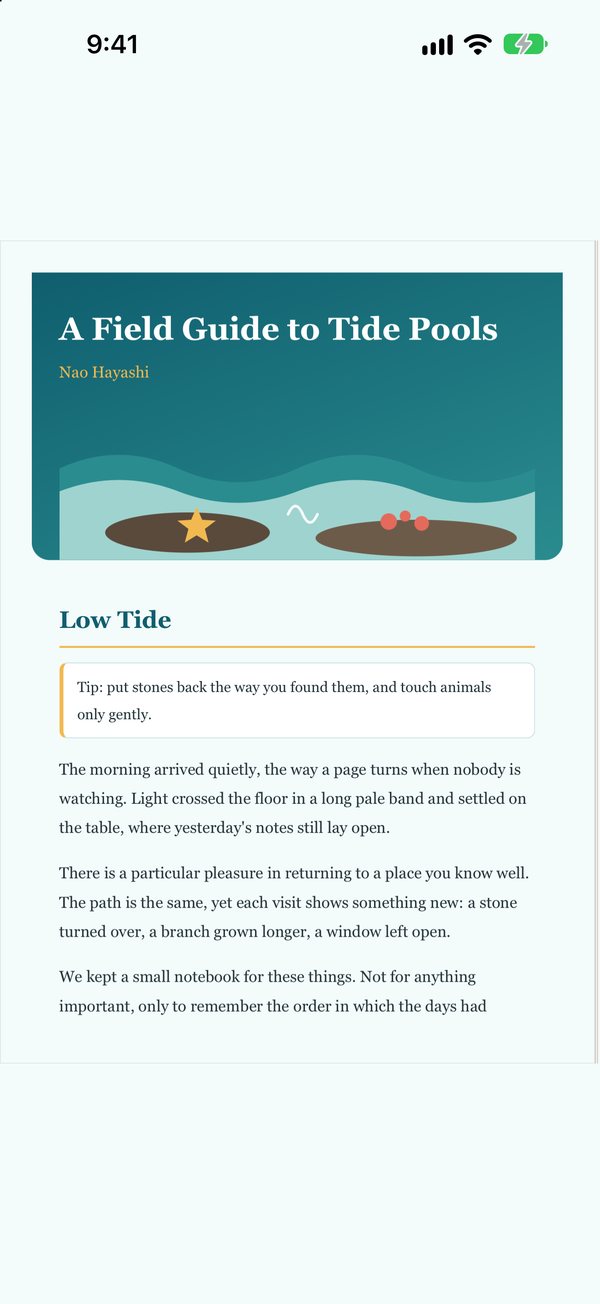
HTML の文書を 1 ページ表示した画面
読書
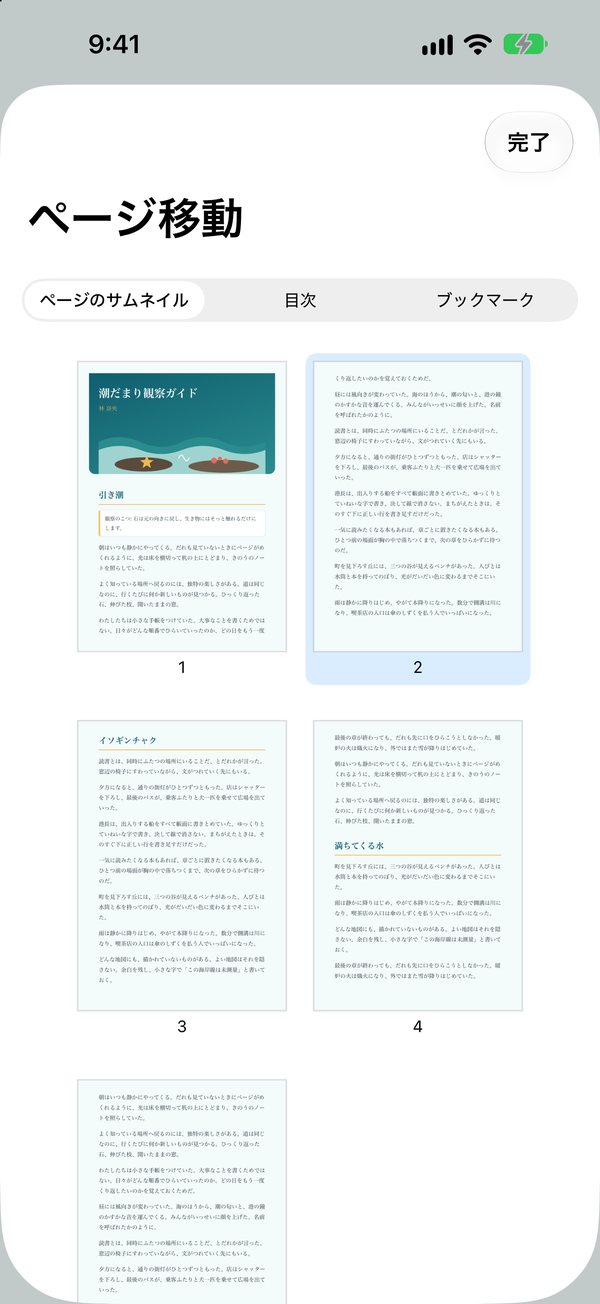
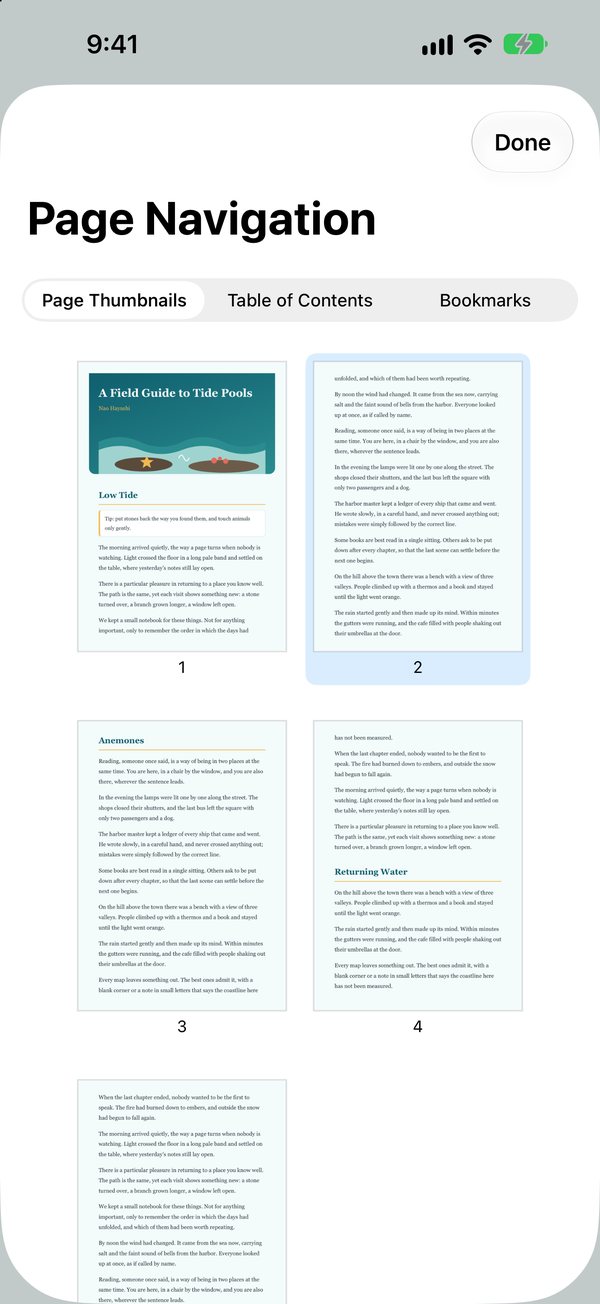
ページのサムネイルが並ぶページ一覧
ページ一覧
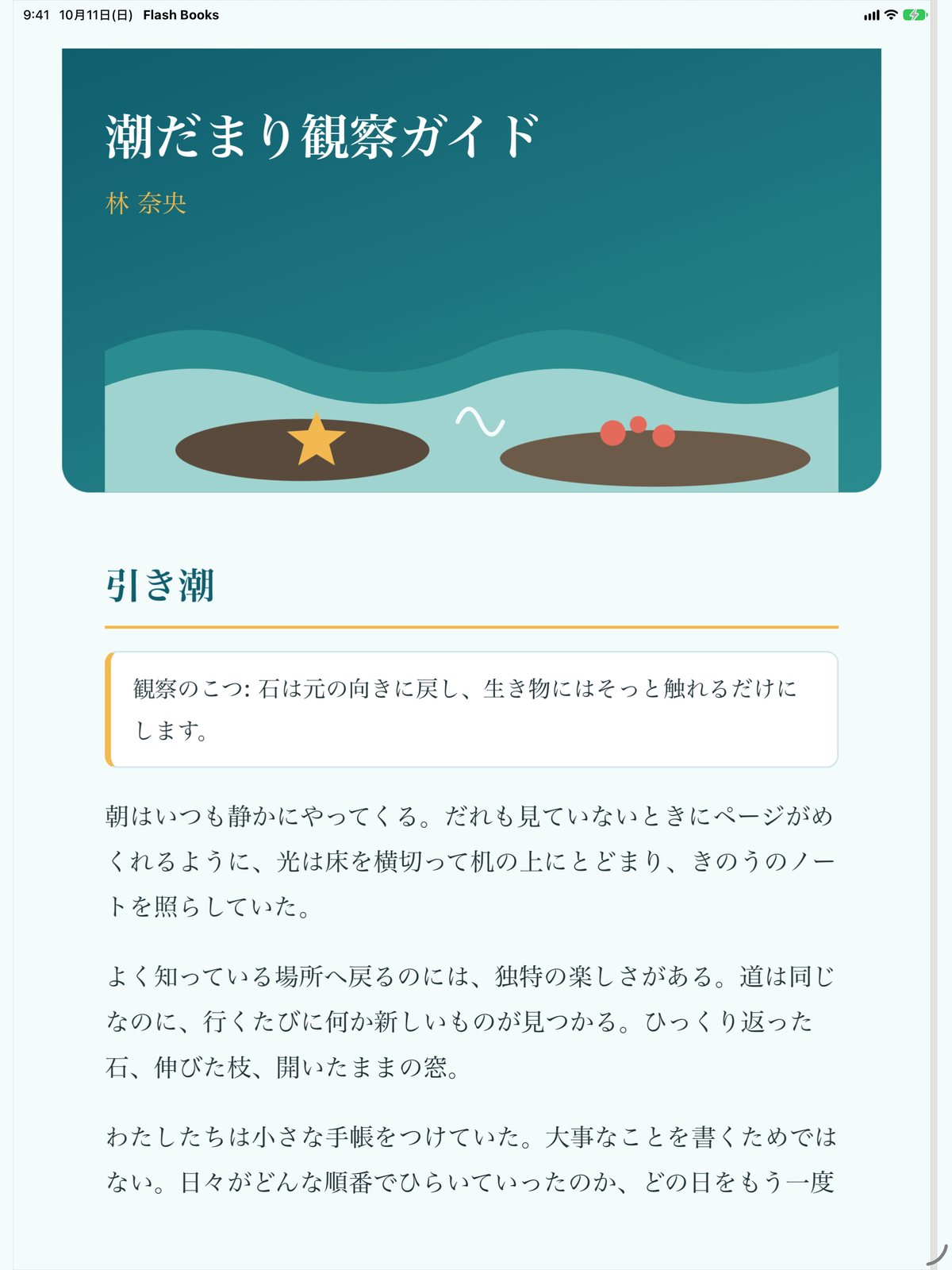
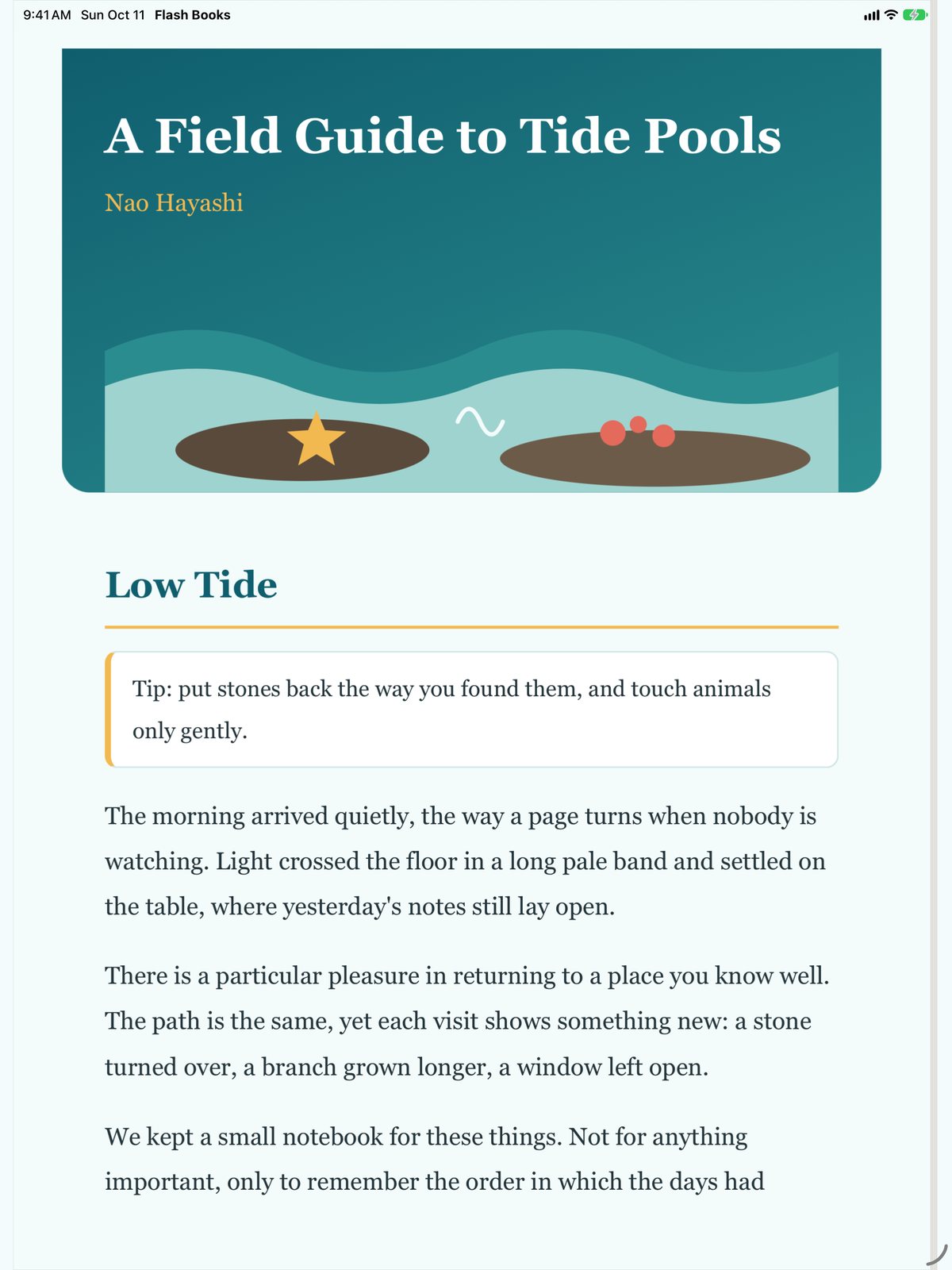
iPad で HTML の文書をページで表示した画面
iPad でページを読む

データの扱い

  • アカウントの登録は不要です。利用状況の解析や広告の仕組みは入っていません。データを収集しません
  • 本はアプリの中に保存します。iCloud の同期をオンにしたときだけ、自分の iCloud にも保存します。開発者は中身を見られません
  • 本の中から外部への通信は、既定で止めています。必要な本だけ、読んでいる間に許可できます

動作環境

OSiOS 26 / iPadOS 26 / macOS 26 以降
DevicesiPhone(iPhone Duo を含む)・iPad・Mac
Languages日本語・英語
Price無料広告・アプリ内課金はありません

サポートとプライバシー

FLASH BOOKS

Read your documents
on one bookshelf

Flash Books gathers your HTML, PDF, ePub and Markdown files, Word, Excel and PowerPoint documents, images and more on one bookshelf and lets you read them in two-page spreads, like printed books, on iPhone, iPad and Mac. Sync your library and reading position through your own iCloud.

iOS 26 · macOS 26 or later · iPhone (including Duo) / iPad / Mac Free · No ads · No in-app purchases No data collected
Flash Books on iPhone: book covers in two columns in the library.

What it does

One bookshelf

  • Reads HTML, PDF, ePub, Markdown, plain text, RTF and CBZ, plus Word, Excel and PowerPoint, Pages, Numbers and Keynote, images and web archives. HTML pages turn like a book.
  • Switch between a cover grid and a list with titles and authors. Covers show a book's thickness by its page count.
  • Organize with collections, stacks, the archive, colored tags and flags. A book can be in several collections.

Read like a printed book

  • Two-page spreads or single pages, left-to-right, right-to-left or vertical, with paper edges that show how far you have read.
  • Turn pages with a page curl, a slide, a slide over or a crossfade, or with a keyboard or game controller.
  • For ePub, HTML and other text, change the font and text size. PDF and others can scroll instead of turning pages.
  • In version 1.2 for iPhone, iPad and Mac, switch Word documents between pages and continuous scrolling. PowerPoint shapes, lines, gradients, shadows and text layout have also been improved.
  • Select and copy text. On supported devices, text in images can be selected too.

Find your page

  • Jump with the table of contents, page thumbnails and bookmarks.
  • Slide along the overview strip to reach any page in the book.

iCloud sync

  • Sync books, covers, collections, tags, bookmarks and reading positions between iPhone, iPad and Mac through your own iCloud, when you turn it on.
  • Books from your other devices show their covers and download when you open them. On cellular, the app asks before a large download.
  • Remove a book's download to free space and keep the original in iCloud.

Screens

Hold the screen sideways for two-page spreads; upright, pages show one at a time. On iPhone Duo, read full screen closed or on the large open display.

Book covers in the library
Library
A page of an HTML document
Reading
Page thumbnails in the page list
Pages
An HTML document shown as a page on iPad
Reading on iPad

Your data

  • No account needed. There are no analytics or ads, and the app does not collect data.
  • Books are stored in the app. Only when you turn on iCloud sync are they also stored in your own iCloud, where the developer cannot see them.
  • Network access from inside books is off by default. You can allow it for a book while you read it.

Requirements

OSiOS 26 / iPadOS 26 / macOS 26 or later
DevicesiPhone (including iPhone Duo), iPad and Mac
LanguagesEnglish and Japanese
PriceFreeNo ads or in-app purchases

Support and privacy